
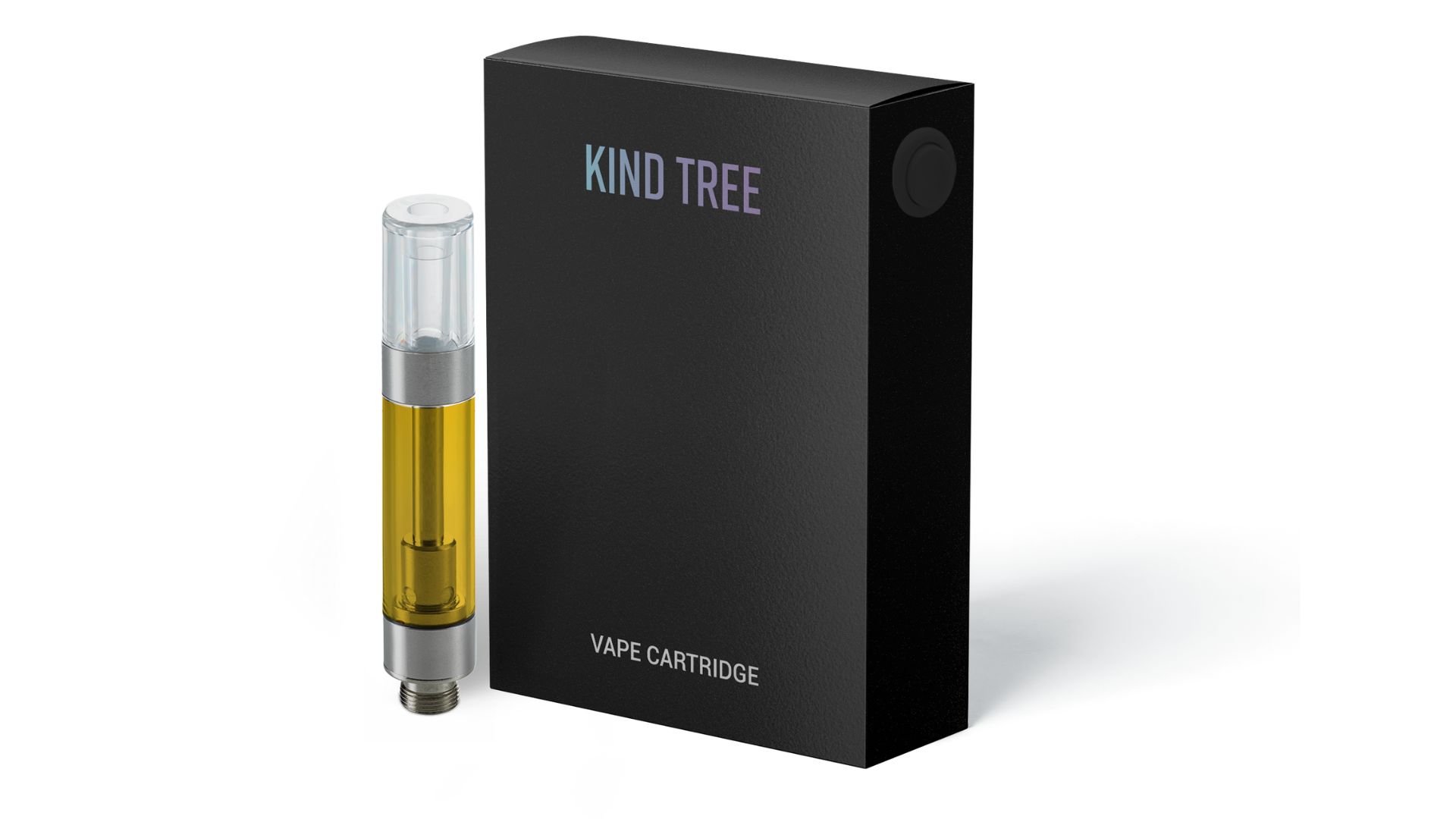
If you’re after cannabis products that are grown with care and quality in mind, look no further than Kind Tree. And if you’re looking for an easy way to bring Kind Tree quality with you on the go, their vape cartridges might be right for you. Take a deeper dive into Kind Tree vape carts and hear reviews of these products straight from some of Queen City’s budtenders.
Kind Tree cartridge options
Kind Tree offers a line of 510 vape cartridges that are compatible with most vape batteries with a 510mm thread. You can get these batteries at Queen City, shop for them online, or pick one up at a head shop. Unlike some closed pod systems like the AiroPod cartridges, which can only be used with compatible Airo brand vaporizers, you can use Kind Tree with any compatible 510-thread battery. In addition to their versatility, Kind Tree vape cartridges come in a wide range of cultivars (strains), each providing their own experience. Many consumers love these products for their potency, flavor, and effects.Does Kind Tree have live resin cartridges?
Yes, Kind Tree has live resin cartridges in addition to its line of regular cartridges filled with cannabis distillate. Live resin cartridges are made with freshly harvested or fresh frozen flower and generally have a richer terpene profile and elevated potency.How do you unclog a Kind Tree cartridge?
Even the best vape cartridges get clogged from time to time. Unclogging them is as simple as removing your cartridge from the battery and gently scraping any residue from the vapor pathway. For serious clogs, a cotton swab and isopropyl alcohol will do the trick. When you’re not using your Kind Tree cart, make sure to store it upright to avoid clogs.How to use Kind Tree cartridges
Kind Tree cartridges are made for use with most 510 vape batteries. Get started in just a few steps.- Charge your battery: A vape battery needs to be charged to work, so fully charge your battery before your next sesh.
- Screw on the cartridge: Remove any protective coverings from the bottom of your Kind Tree cart. Screw the cart onto your battery. Check for a snug, but not overtightened, connection.
- Activate your device: Most 510 vape batteries have a button to activate the device. Press this button to heat and vaporize the extract inside the cartridge.
- Change the temperature. This feature is only available on some vape batteries. If your battery has variable voltage — which means you can change the temperature — follow your device’s instructions to change the temperature. On most devices with this feature, you’ll get basic low, medium, and high options. Some may have a dial for more precise temperature changes.
- Inhale: Draw on the cartridge’s mouthpiece.